

Reference

sking666 App — Your Lobby in Your Pocket

The sking666 app experience runs through your mobile browser — no waiting, no installs, just your account and the full lobby wherever you are. Players in Kota Bharu reach live tables and slot rooms in seconds, with access available where local law permits.

Mobile browser accessDevice continuity — phone to desktopCheck current app availability in your accountNo forced download to start
sking666 sking666 App — Your Lobby in Your Pocket
sking666 Inside the sking666 Mobile Experience

Inside the sking666 Mobile Experience

When you open sking666 on your phone, the lobby loads the same live tables, slot rooms and sportsbook markets you'd see on desktop — nothing stripped out. Quick deposit lets you fund your account wallet with Touch 'n Go eWallet or Boost without leaving the page. Push alerts (where your browser supports them) flag new rounds and account activity. Fingerprint login cuts

sign-in to a single tap on supported Android and iOS devices. Titles like Wave Crash Game and Mulu Caves Slots load fast on a standard mobile connection — PG Soft and Pragmatic Play optimise render speed for Malaysian mobile networks. Your betslip for Football Sportsbook follows you across sessions so you never lose a selection mid-match.
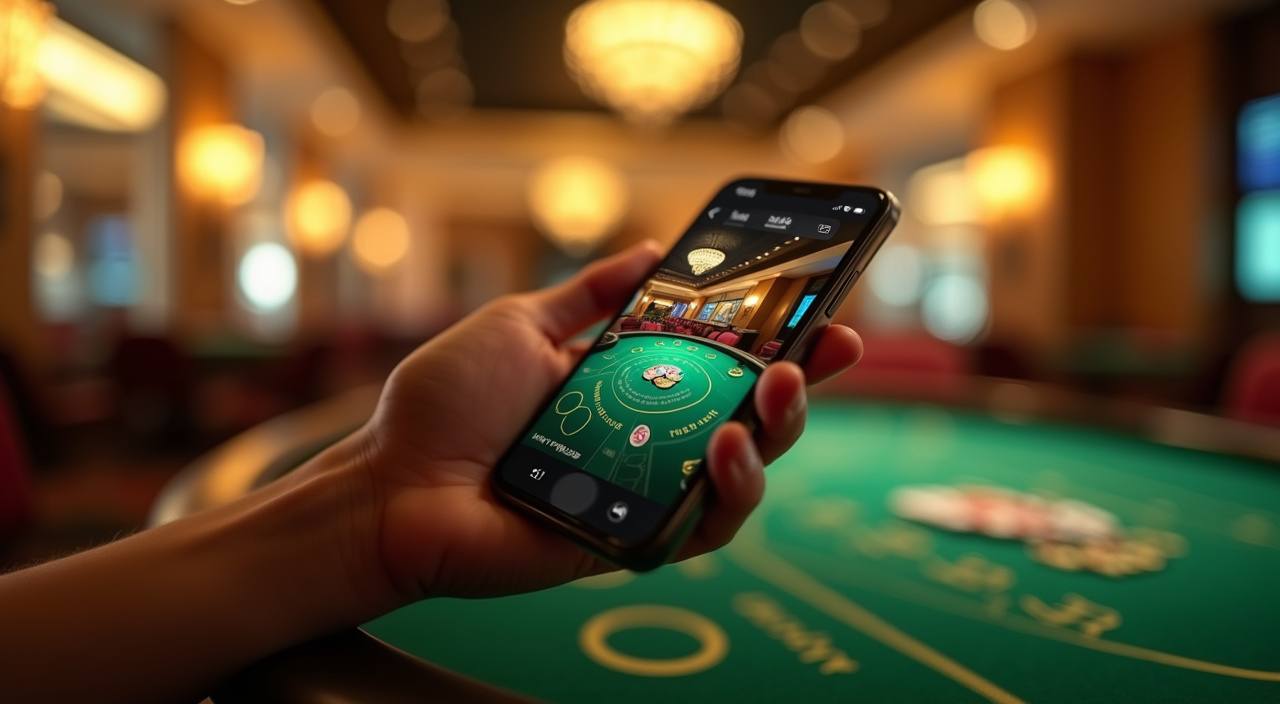
sking666 Mobile Access in 3 Steps

Mobile Access in 3 Steps

Getting into the sking666 mobile lobby does not require an APK file or an app-store download. Your browser handles everything — and the flow is the same whether you are on Android Chrome or iOS Safari. Here is how returning users get back in fastest: open the current sking666 address in your mobile browser, bookmark it to your home screen so the

icon sits alongside your other apps, then sign in with fingerprint or your usual credentials. If you have push notifications enabled, you will not need to check the site manually for account updates. For a first-time account, the sign-up form is the same page — fill in your details, verify via the OTP sent to your registered number, and your wallet is

ready to fund.

  • Open sking666 — Type the address into Chrome or Safari on your phone — no app store needed. The mobile layout loads automatically.
  • Bookmark to Home Screen — Use your browser's 'Add to Home Screen' option. The sking666 icon appears like a native app on your phone's home grid.
  • Sign In Securely — Use fingerprint login if your device supports it, or enter your credentials and confirm with the OTP sent to your number.
  • Check App Availability — Log in and head to your account settings to see whether a dedicated native app build is currently listed for download in your region.
APP FEATURE SNAPSHOT

Four Things the Mobile Build Does Well

These are the features returning users mention most when they come back to the sking666 mobile lobby. Each one is built around the way Malaysian players actually move through a session — fast in, check balance, drop a bet, cash out.

Fingerprint Login Tap once to sign in on supported Android and iOS devices. No password typing mid-session — your account opens straight to the lobby.
Push Notifications Browser push alerts let you know when a new round kicks off or your account wallet updates. Enable them in one tap from your browser settings.
Dark Mode Layout The mobile interface shifts to a low-brightness layout after hours — easier on the eyes for late-night sessions without draining your screen.
Offline Lobby Preview Lose signal briefly? The lobby caches your last viewed game list so you can browse titles and read paytables while reconnecting.
DEVICE COMPATIBILITY CHECK

Which Devices and Browsers Work

The sking666 mobile lobby is built to run on the browsers Malaysians already use daily — no specialist software, no version hunting. Below is what to check before your first session, so you land in the lobby rather than a loading screen.

sking666 Browser Support

Browser Support

Chrome on Android and Safari on iOS both render the full lobby. Keep your browser updated to the current version for the smoothest load.

sking666 Screen Layout

Screen Layout

Portrait and landscape modes are both supported. Live table streams from Evolution switch orientation automatically when you rotate your device.

sking666 Account Requirements

Account Requirements

You need a verified sking666 account to access real-money rounds. Account verification is done once — a quick ID step inside your profile settings.

Common Questions About sking666 Mobile Access

These are the questions we see most from Malaysian players getting started with the sking666 mobile lobby. If something is not covered here, live chat can walk you through your specific device and account setup.

No download is needed to access the lobby. Open sking666 in Chrome or Safari, sign in, and you are in. Bookmarking to your home screen gives you an app-like shortcut without any install.

Check your account settings under the app section for the current status of a native build. App-store availability can change, so the account page is the most reliable place to verify.

After signing in, go to your account security settings and toggle on biometric login. Your device will prompt you to register your fingerprint — then future logins are one tap.

Yes. Open the deposit section in your account wallet, select Touch 'n Go eWallet or GrabPay, and follow the in-app confirmation step. The amount reflects in your lobby balance once confirmed.

Your Football Sportsbook betslip is tied to your account, not your device. Sign in on desktop and your selections from the mobile session will still be there.

When the browser asks for notification permission, tap Allow. If you missed that prompt, go to your browser's site settings for sking666 and enable notifications from there.
Reference

sking666 App

Service availability depends on eligible regions and local law. Users should check local rules before opening an account.

Access may be available only where local law permits.